What are Non-Process Nodes?
Non-Process Nodes
The non-process nodes that are rounded edge squares have various functions available depending on the node type. Three of the most prominent non-process nodes are Connections, Stores, and Output Nodes.
Connections and Stores
It is a requirement to have a Connection or Store available and connected to a process node before a process node can be configured. Connections provide direct access to a source location, e.g. raw files, Big Query project. Stores offer the ability to select a Syntasa-produced dataset.
Configure a Connection

- Drag and drop the respective connection type onto the canvas.
- Click on the Connection, a window will appear.
- Select the Connection name from the drop-down menu and Connection Details will be presented.
- Click the green and white checkmark icon (
 ).
). - Connect the Connection to a process node.
Configure a Store

- Drag and drop one of the stores onto the canvas.
- Click on the Store and a window will appear with a number of tabs.
- In Dataset, select the Eventstore and Dataset desired.
- Review the Details, Schema, State, and Preview to ensure this is the correct dataset and gain some general familiarity with the dataset.
- Click the green and white checkmark icon ().
- Connect the Store to a process node.
Output Nodes
Output Nodes basically represent a dataset that the process node produces. The Output Nodes are static and cannot be modified, but they provide a good general understanding of the dataset.

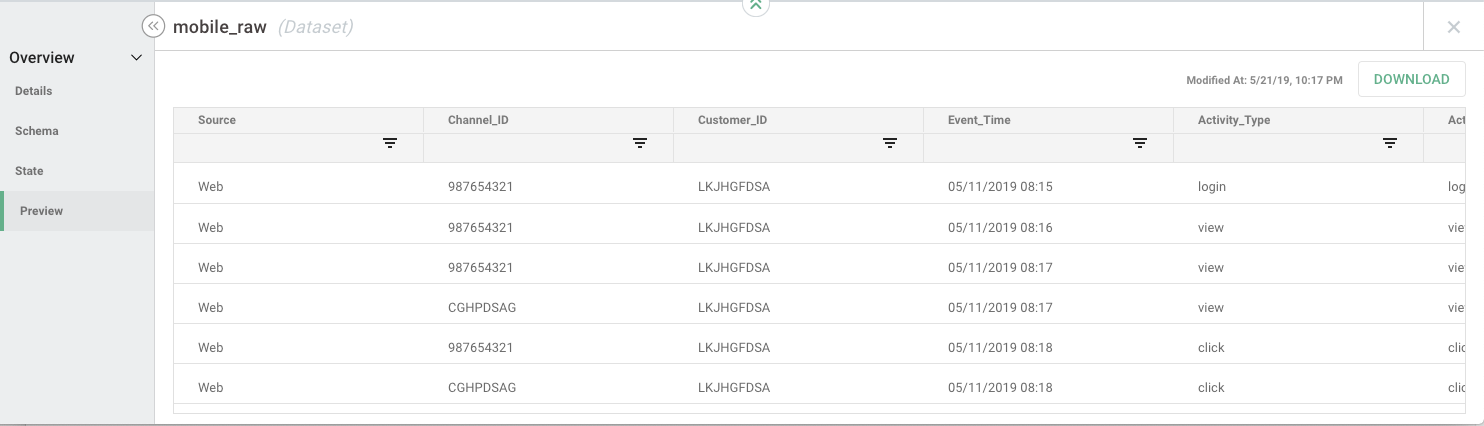
By clicking on the Output Node a window will appear with Details, Schema, State, and Preview tabs.
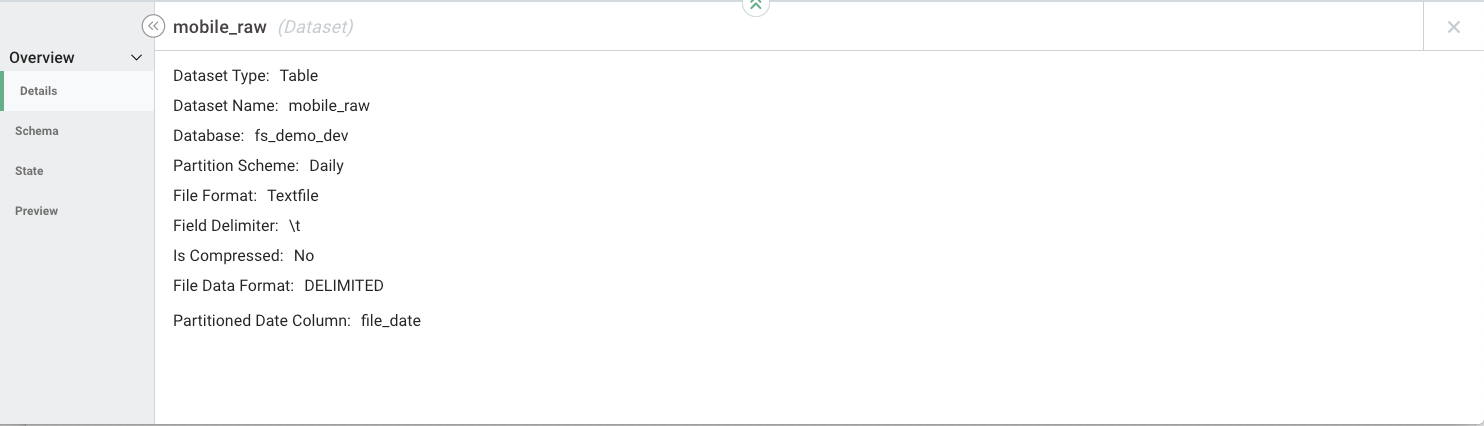
Details - Provides the type of dataset, name of the dataset, partition scheme, file format, if compression is on, etc.
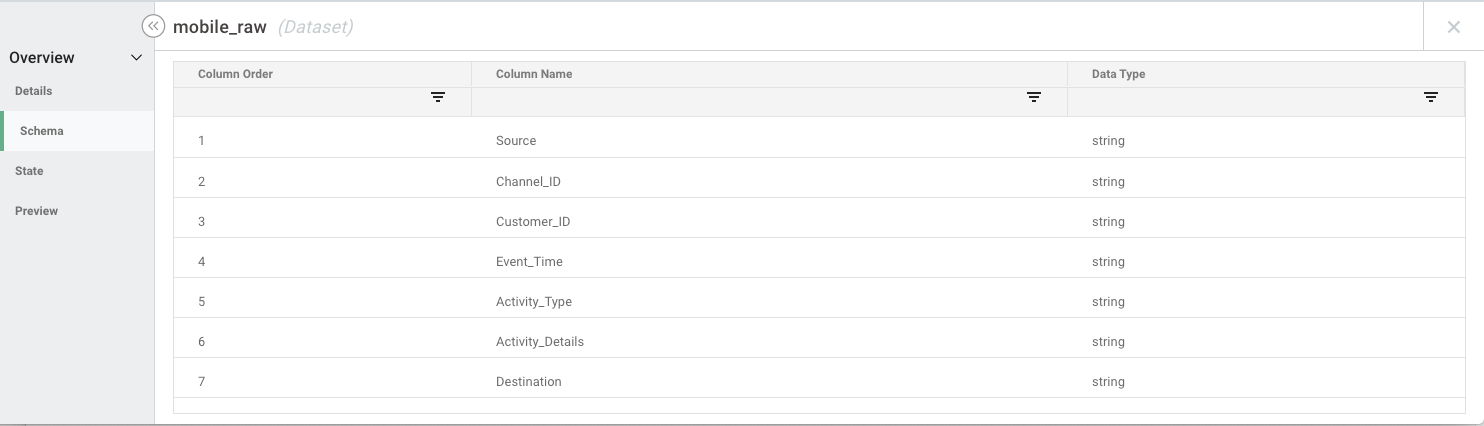
Schema - Provides the names of the columns of the dataset and the data types of each column. Search and sort are supported on this tab.
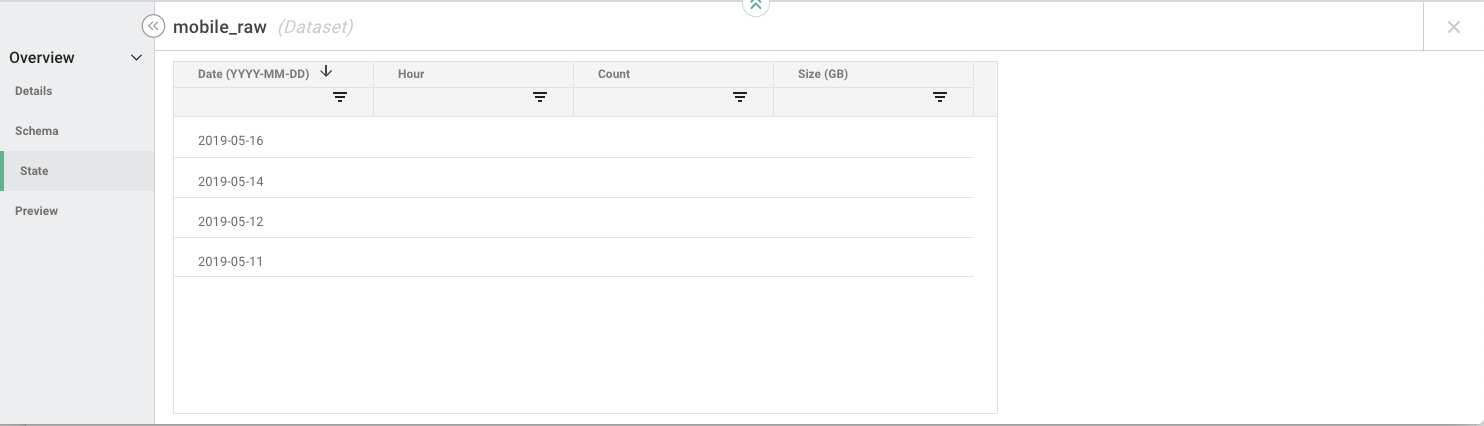
State - Dates processed for this dataset. Search and sort are supported on this tab.
Preview - Ability to review up to 100 rows of the dataset. Search, sort, and download are supported on this tab.