Editing a User Defined Process
This article assumes you've already created your first UDP.
Click on the Edit icon from the UDP grid to modify the UDP name and icon changes.
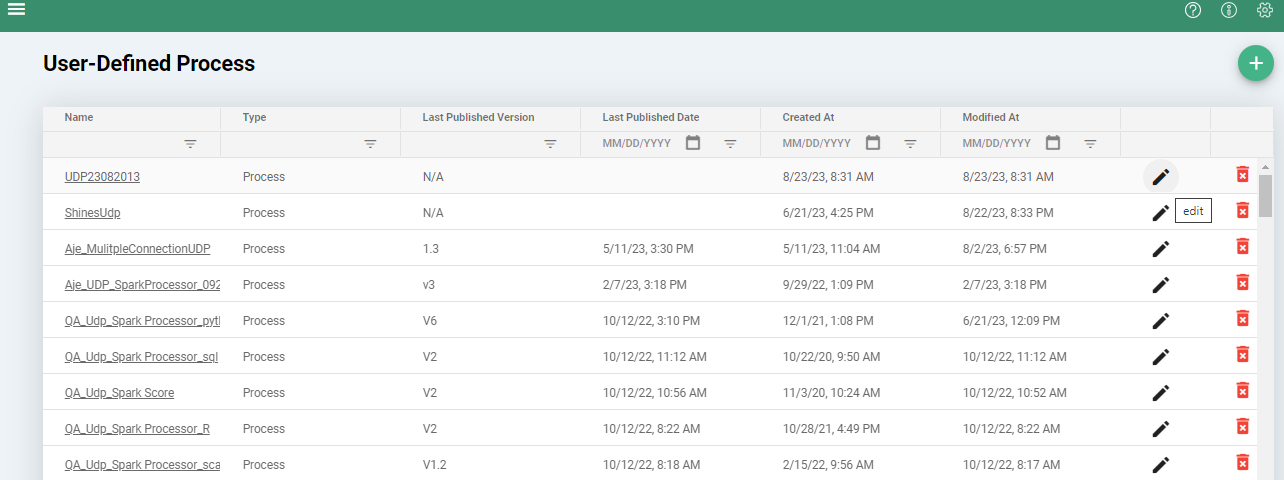
For detail page modification, the user should click on the Name link in order to navigate to the details page. All fields described in Creating a UDP are available for editing. After changes user can either save the changes or cancel the recent changes
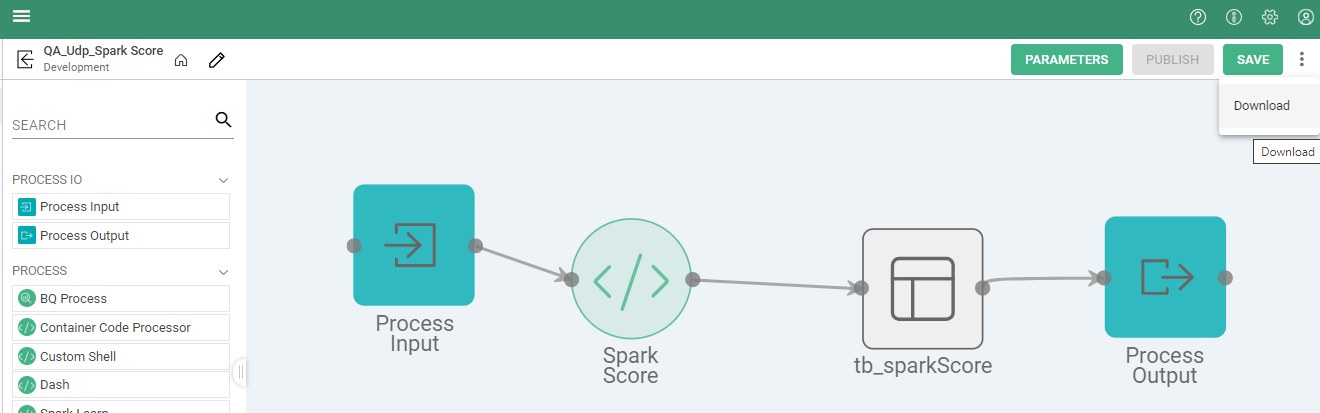
Download
Within the menu, there is the option to download a process as a .json file. This can be used to transfer custom processes between multiple instances of Syntasa.
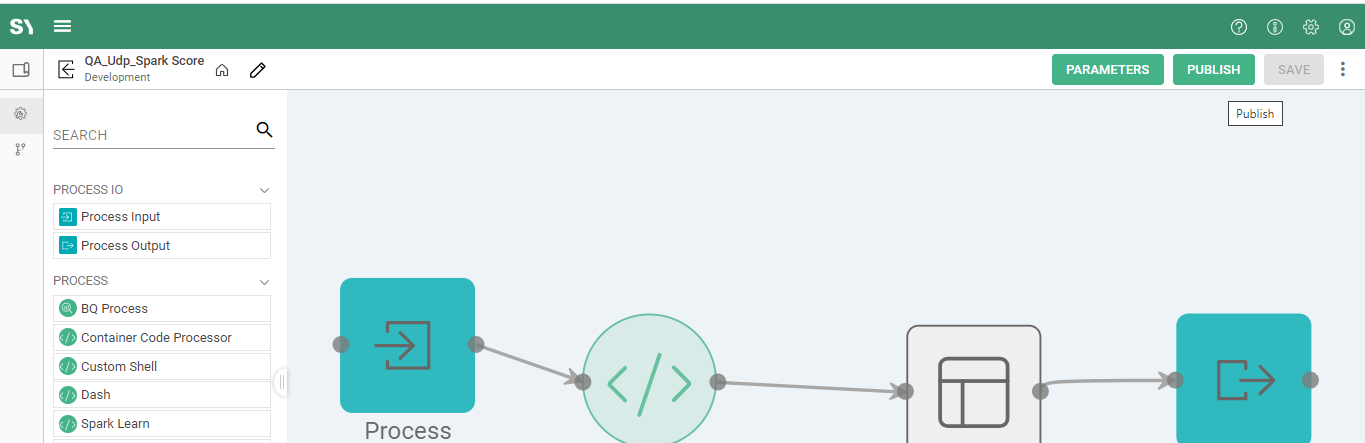
Publish
Using the publish button will allow the template process to be used throughout the app. It is also a good way to ensure that the process has been configured properly and will give warnings regarding any issues. This is also where the version will be set if a rollback is needed.